
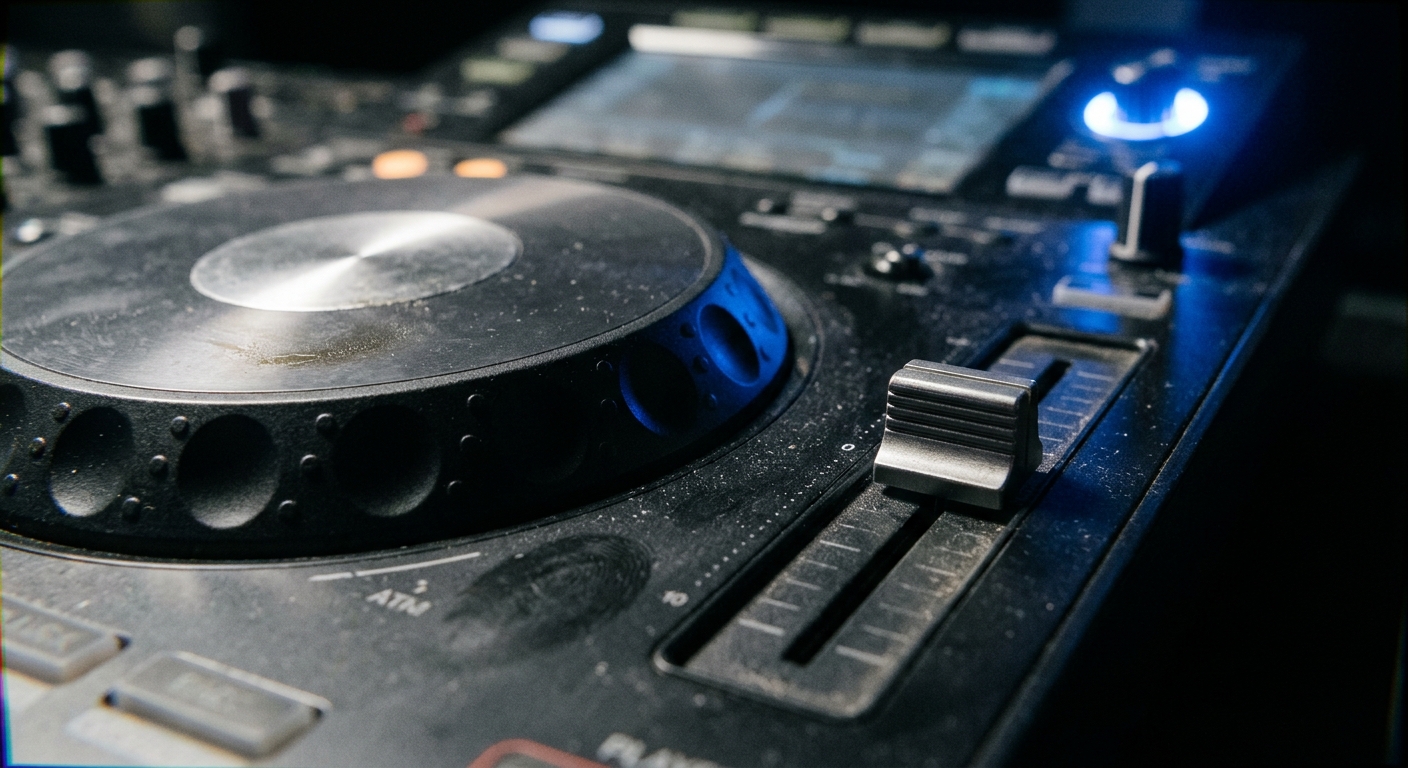
A laptop crashing mid-set at 3 a.m. is not a hypothetical. It happens, and when it does, the dancefloor empties before you can reboot. Running everything from internal hardware, USB drives, or SD cards, standalone DJ controllers cut that single point of failure. When booth setups are unpredictable, reliability matters more than any feature list. Here is what to look for when picking the right unit.
Choosing Reliable Standalone DJ Controllers
Build quality and DAC quality are what separate a touring-grade unit from a bedroom controller. DAC matters. Professional units now ship with touchscreens between 7 and 10 inches, and high-quality digital-to-analogue converters make a real difference on club-grade PA systems, where cheap outputs expose every flaw.
Two-channel controllers suit mobile DJs and smaller gigs. Four-channel units earn their weight for anyone layering loops, samples, or running three decks during peak-time techno sets. If you are building tracks with raw textures from software synths, you want an output stage that preserves that grit without adding its own noise.
What Is a Standalone DJ Controller?
Remove the laptop from the chain and the music plays directly from USB drives, SD cards, or internal storage. Everything lives in one chassis: the mixer section, jog wheels, and media player together. No laptop needed. Modern units also support Wi-Fi streaming services, so your library stays accessible even if you forget a USB stick at the hotel.
Are Standalone DJ Controllers Better Than Laptop Setups?
For touring, the answer is usually yes. Drop the laptop and you also drop the risk of a screen going black mid-transition. You lose some flexibility: deep library management and complex MIDI mapping are still easier on a computer. But in a dark booth with monitors rattling the table, fewer components means fewer things that break. That tradeoff favours the standalone unit every time you board a plane.
Best Standalone DJ Controllers for Techno
Techno touring demands low-latency performance, a solid effects section, and four-channel mixing. The Pioneer DJ OPUS-QUAD at $3,199 and the Denon DJ Prime 4+ at $2,873 sit at the top of the market. Both offer club-standard outputs and large touchscreens, with the Prime 4+ running a 10.1-inch display.
Techno demands quick looping and precise EQ work.
Do Professional DJs Use Standalone DJ Controllers?
A software crash during a headline slot is not an option, which is why plenty of touring professionals rely on standalone controllers. The self-contained design means you walk into a venue, plug into the house mixer or PA, and play. There are no driver installs, no Bluetooth pairing issues, no unexpected update prompts. Booth space is tight across Berlin’s underground circuit. A single unit takes up far less room than a controller-plus-laptop rig.
Which Standalone DJ Controller 4-Channel Works Best?
The Denon DJ Prime 4+ and the Pioneer DJ OPUS-QUAD are the two serious contenders in the standalone DJ controller 4-channel category for live techno sets. The Prime 4+ wins on screen real estate and price (roughly $300 less). The OPUS-QUAD wins on ecosystem compatibility if the venue already runs rekordbox-prepared USBs. Pick based on which library format your circuit uses most.
Top Denon DJ Prime Units for Touring
The Denon DJ Prime Go+ costs $999 and runs on a built-in rechargeable battery rated for 6 hours, making it one of the most practical travel units in the lineup. That battery life matters most at outdoor festivals and warehouse parties with unreliable power: the Prime Go+ handles them without hunting for an outlet. Its 7-inch touchscreen is smaller than the Prime 4+’s 10.1-inch panel, but for a two-channel travel unit, it covers what you need.
Can You Use a DJ Controller Without a Laptop?
Yes, and for touring that is the entire point. These units load tracks from USB drives or SD cards and analyse BPM and key on-board. Audio goes out through balanced XLR, with no laptop required. You prepare your library at home on a computer, export to a USB, and leave the laptop behind. One less bag through airport security, one less fragile screen to protect.
Are Standalone DJ Controllers Good for Beginners?
Beginners benefit from these units because they mirror club-standard layouts without requiring any software configuration. You plug in a USB stick, see your tracks on screen, and start mixing. The learning curve is the mixing itself. A unit like the Numark Mixstream Pro+ at its lower price point gives new DJs a credible standalone experience without the $2,800+ investment of a Prime 4+. Start there, then upgrade when your gig calendar justifies it.
Serato DJ Pro Hardware for Touring Sets
Serato DJ Pro has been precision-engineered with headliners for over twenty years and supports more than 150 mixers, turntables, and controllers. It is software that runs on a laptop paired with compatible hardware. That distinction matters when comparing it to fully standalone units.
DJs who already own a deep Serato library with cue points and loops built over years face a significant challenge when switching ecosystems. Everything would need to be re-prepared for standalone Engine DJ or rekordbox. That is a significant time cost worth weighing before committing. If your workflow is already Serato-native, a Serato-compatible controller plus a reliable laptop may still be the faster path to stage-ready sets. This is especially true when remixing tracks for peak-time energy during prep sessions.
What Do You Need With a DJ Controller?
Bring your music on two USB drives and pack a power cable. Connecting to the venue’s PA or house mixer via balanced XLR outputs is the standard approach. A protective flight case is worth the investment if you are checking the unit as luggage, and headphones with a 6.3mm jack adapter round out the essentials.
What Is the Cheapest Standalone DJ Controller?
At well below the price of the Denon Prime 4+ and Pioneer OPUS-QUAD, the Numark Mixstream Pro+ is the entry point for credible standalone performance. It runs Engine DJ, has a 7-inch touchscreen, and handles two channels with onboard effects. Build density and channel count are reduced. For bedroom practice and learning the standalone workflow, though, it does the job without the financial commitment of a flagship unit.
Pioneer All-in-One DJ Controller Options
Pioneer’s lineup includes 4-channel professional DJ controllers compatible with rekordbox, Serato DJ Pro, or both. The OPUS-QUAD is their flagship all-in-one, while their 2-channel controllers serve DJs who prefer a simpler, lighter rig. Club installations are dominated by Pioneer gear, which means rekordbox-prepared USBs work on nearly every CDJ setup you will encounter on tour.
That ecosystem lock-in is real. If every club on your route runs Pioneer gear, preparing in rekordbox saves you conversion headaches. But if you split time between Pioneer and Denon venues, the ability to read rekordbox libraries directly gives Denon a practical edge for mixed-ecosystem touring.
All-in-One DJ System for Beginners: Where to Start
The best all-in-one DJ system for beginners has a layout that teaches transferable skills at a price that makes sense. A 2-channel Pioneer controller with rekordbox compatibility lets you learn on the same software ecosystem used in most clubs worldwide. Once beatmatching and EQ transitions feel natural, stepping up to a 4-channel standalone unit or a full CDJ booth becomes a straightforward hardware upgrade. That continuity saves months of re-learning.
Stand Alone DJ Controller No Laptop: Key Benefits
Running without a laptop cuts setup time and eliminates the most common failure point in a digital DJ rig. Boot time on most standalone units is under 30 seconds. You also avoid carrying a laptop through airports and cramped DJ booths. The tradeoff is less flexible library management on the fly, but for a prepared touring DJ, that is a minor cost against the reliability gain.
FAQs
1. What is a standalone DJ controller?
A standalone DJ controller is an all-in-one unit that operates without a connected laptop, playing music directly from USB drives or internal storage. It combines a mixer, jog wheels, and a media player in a single device, making it ideal for touring.
2. Do professional DJs use standalone DJ controllers?
Many touring professionals rely on standalone DJ controllers because they eliminate the risk of laptop crashes or software freezes mid-set. A self-contained design and club-ready outputs make them a dependable choice for high-stakes performances.
3. Can you use a DJ controller without a laptop?
Yes, standalone DJ controllers are specifically designed to operate without a laptop, loading tracks from USB drives, SD cards, or built-in storage. This makes them especially practical for touring, where carrying extra hardware increases the risk of technical failure.
4. What do you need with a DJ controller?
With a standalone DJ controller you typically need USB drives loaded with your music, a power source, and a PA or mixer to connect your outputs. Some units also benefit from a protective flight case when used in touring environments.