
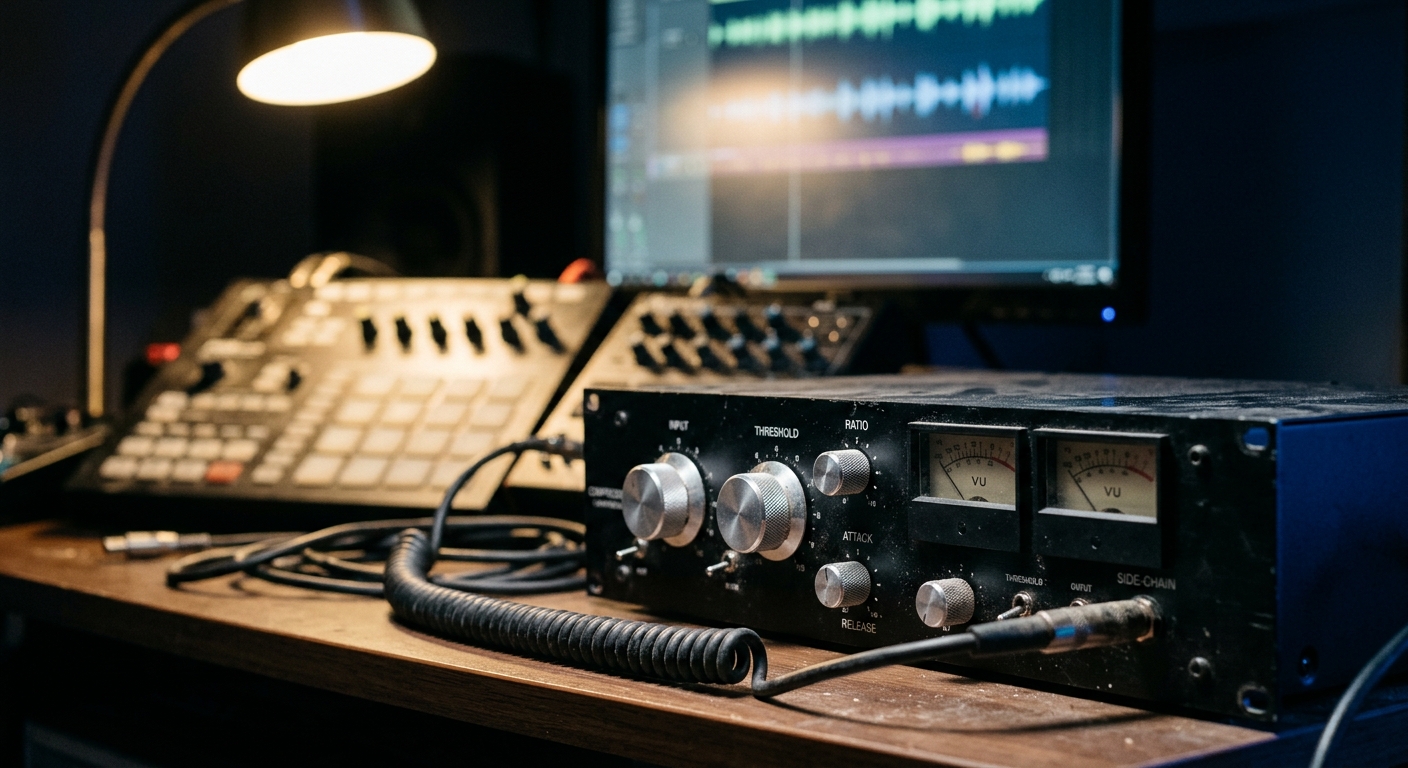
The best sidechain plugin for techno is the one that matches how your kick moves. Match the tool to the pattern. A drawn volume curve suits a straight four-on-the-floor kick, and a compressor suits a pattern that skips or swings. For most groove-led club tracks, Nicky Romero Kickstart 2 at $16 handles the job with one knob and no routing. Once the drum pattern breaks up, a compressor fed by the kick is still the stronger tool, because the ducking has to follow it. Cableguys Shaperbox 2 at $99 is the upgrade if you want band-split control and several shaping tools in one window.
What the Sidechain Effect Does to Techno Groove
The sidechain effect turns the bass down every time the kick hits, so the two never play at full volume together. Kick and bass share similar frequencies and mask each other. SoundGym’s sidechain compression explainer describes ducking as the way to move them out of each other’s way, which keeps the low end more dynamic and less muddy.
There’s a groove payoff too. A well-tuned Kikzilla rumble can work with the kick for a push-and-pull feel. If the bass never dips, the low end stays one solid block, and the loop stops breathing.
What does a sidechain plugin do?
One audio signal controls the gain of another. The kick sits on the trigger side and the bass, or a pad, gets pulled down on each hit. A dedicated sidechain plugin packs that move into a visible curve you can redraw, usually without setting up any routing.
Drop it on the bass bus and every kick carves its own pocket.
Do I need a plugin for sidechain?
No. Every major DAW ships a compressor with a sidechain or key input, and that covers basic kick-to-bass ducking. Third-party sidechain plugins pay off when you want tempo-synced curves or band-split ducking that stock tools make fiddly. Keep it simple. Start with the stock compressor, then buy a plugin once routing starts slowing your sessions down.
Sidechain Compression or Volume Shaping for Techno
For groove-focused techno with a steady four-on-the-floor kick, volume shaping is the better first choice than sidechain compression, because a drawn curve ducks the same way on every beat. A compressor listens to the kick itself, so its ducking follows the level and timing of every hit. If you do go the compressor route, one bass players’ forum thread on kick ducking suggests a low threshold, a fairly high ratio and make-up gain kept at 0dB or lower.
Gearnews’ techno sidechain workshop covers five core methods, including the classic compressor and ghost kick automation. Once your kick skips a beat or swings off the grid, the compressor wins. A fixed curve keeps ducking on beats the kick never plays, and you’ll hear the bass dip into silence. Drawn curves also drive filter and volume moves in tension-building transition plugins, so the same shaping skill carries over.
What VST do professionals use for sidechain compression?
Many producers simply use the compressor that came with their DAW, keyed from the kick. So the best sidechain compressor VST is usually the one you already own, since threshold and release shape the sound far more than the brand. Stacking separate EQs and distortion is one way to build a kick rumble. He did that before Kikzilla replaced the whole chain.
Specialist tools save time. A keyed stock compressor can still reach the same sound.
How did Daft Punk sidechain?
Sidechain compression in house can be pushed so hard that the whole track pumps with the kick.
Techno wants less of it. Keep the dip short, so the kick punches through and the bass returns before you can hear it swelling back.
Sidechain Plugin Techno Picks Worth Installing
Two sidechain plugins cover most techno production. Nicky Romero Kickstart 2 costs $16 and offers adjustable curves plus a band-split that ducks only frequencies below a chosen cut-off. Cableguys Shaperbox 2 costs $99 and goes much deeper.
For a first purchase, the Kickstart plugin is a better buy than Shaperbox 2. The band-split already clears the sub under the kick while the bass’s upper harmonics keep playing, and that’s most of what a rolling sidechain plugin techno setup needs. Shaperbox makes sense once you want the same curve on filters, noise or reverb tails, alongside the gear in the raw techno VST rundown.
Does FL Studio have a sidechain plugin?
Yes, built into its stock tools. You send the kick’s mixer track to the bass track as a sidechain, then select it as the source in the compressor mode.
What is the best sidechain plugin for Ableton?
Start with Ableton’s own Compressor. Open its sidechain section, choose the kick track as the input, and pull the threshold down until the bass dips. You don’t need to install anything to get there.
Move to Kickstart 2 as your sidechain plugin in Ableton when you want the same duck on ten tracks at once, because copying one plugin is faster than routing ten compressors.
Routing the Sidechain Input for Tighter Low End
Route the kick to the bass compressor’s sidechain input through a bus. SoundGym’s method is to set up a bus on the kick channel and raise its level to 0dB. Then select that bus in the compressor’s sidechain or key-input dropdown on the bass channel. That’s it.
Grouping keeps this tidy. Juheun renders his Kikzilla output as an audio loop and puts it on its own channel inside a kick/bass group in Ableton. The same piece notes that Ozone Imager can tighten bass and kick to mono, so nothing in the sub drifts off-centre while it ducks. Keep the kick and bass in one group. Scattered low-end channels make the ducking much harder to judge.
What are the best sidechain settings for techno?
A TalkBass thread on kick-triggered ducking suggests a low threshold, a fairly high ratio, and make-up gain at 0dB or lower. For sidechain compression in techno, set a fast attack so the duck lands with the kick’s transient.
Release is where the groove lives. If it’s still climbing back when the next kick arrives, shorten the release before you touch the ratio.
How do I use sidechain compression on a techno bass?
Put the compressor on the bass channel and feed the kick into its key input. Then lower the threshold until the bass dips on every kick hit. Check it in the full mix as well as solo, because a duck that sounds deep on its own often sounds right with the drums playing.
To use sidechain compression on a rumble bass, split the band first so only the lows duck and the mid grit keeps going. That split keeps a techno bass loud without blurring the kick. The same low-end discipline runs through remixing a club track for peak time. For a straight kick, a band-split duck on the bass is the setup to commit to.
FAQs
1. Why is sidechain used in techno?
Sidechain ducking lowers bass and other sounds whenever the kick hits, so the low end stays clear. It also creates a rhythmic pump that makes the groove feel tighter.
2. What is the difference between volume shaping and sidechain compression?
Volume shaping applies a drawn gain curve on every beat, so results stay consistent. Sidechain compression reacts to the kick’s level, so ducking follows your pattern. Shapers sound more mechanical.
3. Is a Kickstart plugin worth using?
A Kickstart-style plugin is worth it if you want one-click, tempo-synced ducking curves without routing. A compressor is still useful when you want ducking that reacts to the kick.